1
Open Page design
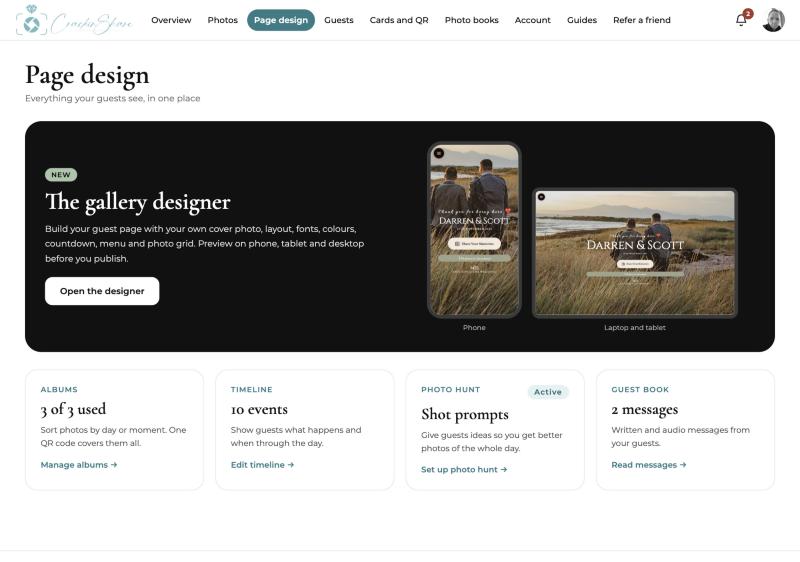
From the main menu choose Page design. Everything guests see lives here: the cover, the layout, albums, the day timeline, photo hunt prompts and the guest book.
2
Open the gallery designer
Choose a cover photo, then set the layout, fonts, colours, countdown and menu. The preview updates as you go, and you can switch between phone, tablet and desktop.
3
Preview the guest page
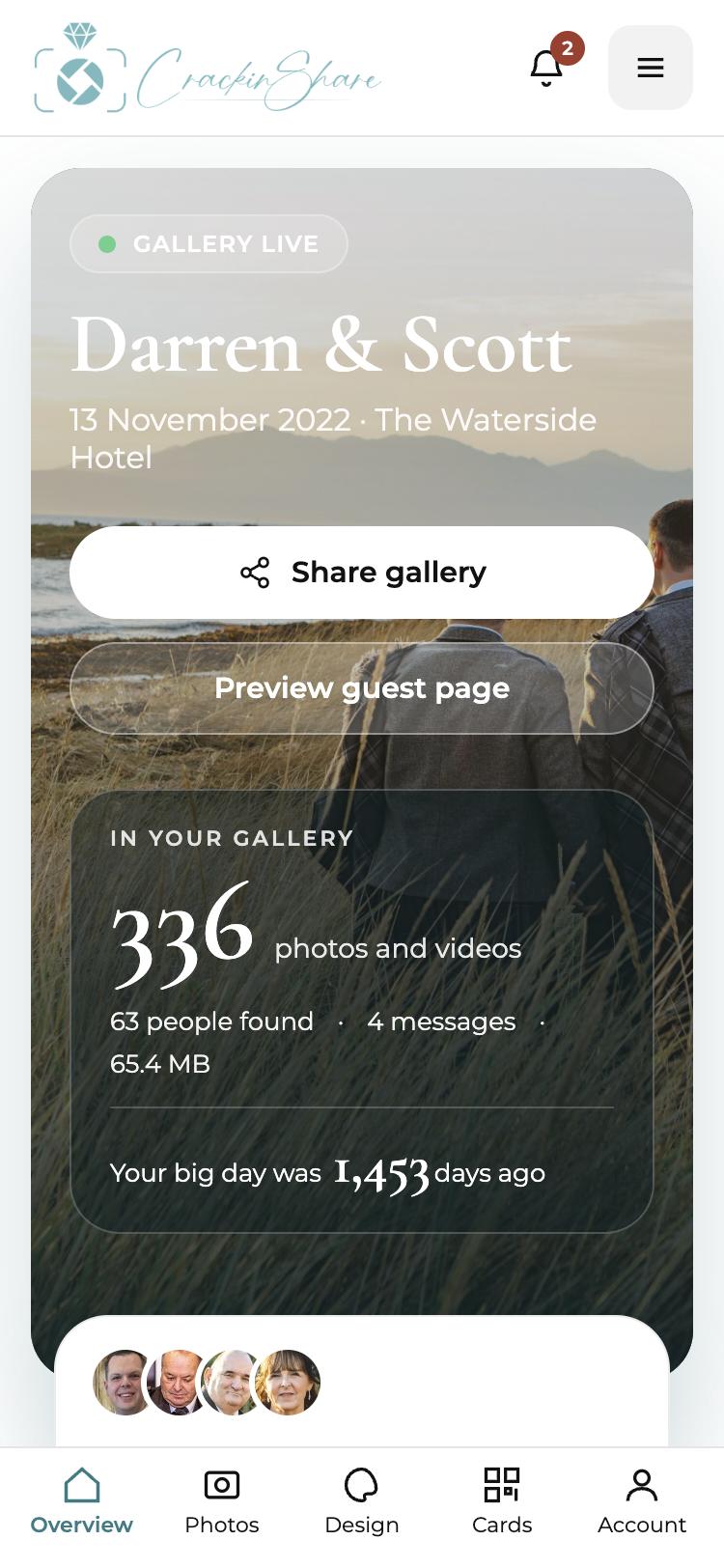
Use Preview guest page on your dashboard to see what guests will see, then publish when you are happy.
Tips that help
- Choose a cover photo with space around the middle so your names stay readable.
- Use albums such as ceremony, reception and evening so photos are easy to browse later.
- Add a few photo hunt prompts to nudge guests towards shots you would not otherwise get.
Common questions
Can I change the page after guests have started sharing?
Yes. Changes appear straight away and guests keep their uploads.
Can I preview before publishing?
Yes. Preview on phone, tablet and desktop before guests see it.