Create your gallery
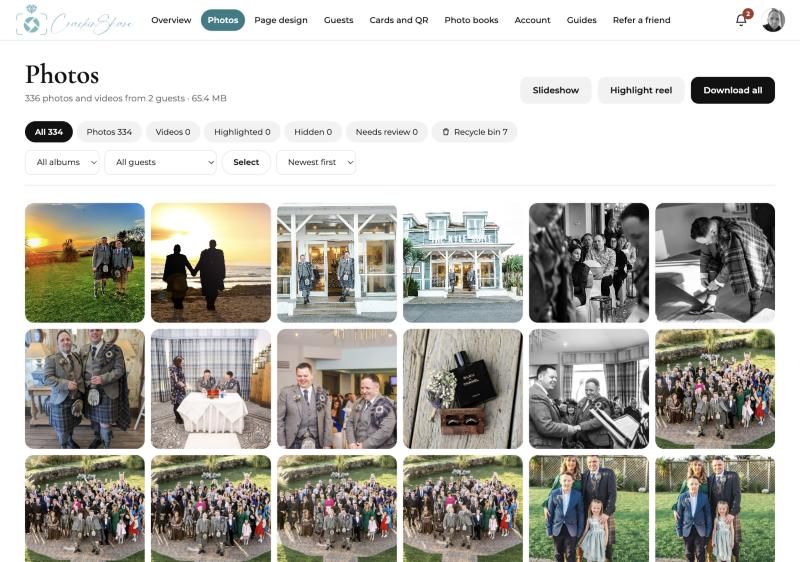
Register and add your names and wedding date. Your gallery is private from the start. Only people who have your link or QR code can add photos.
Find your QR code
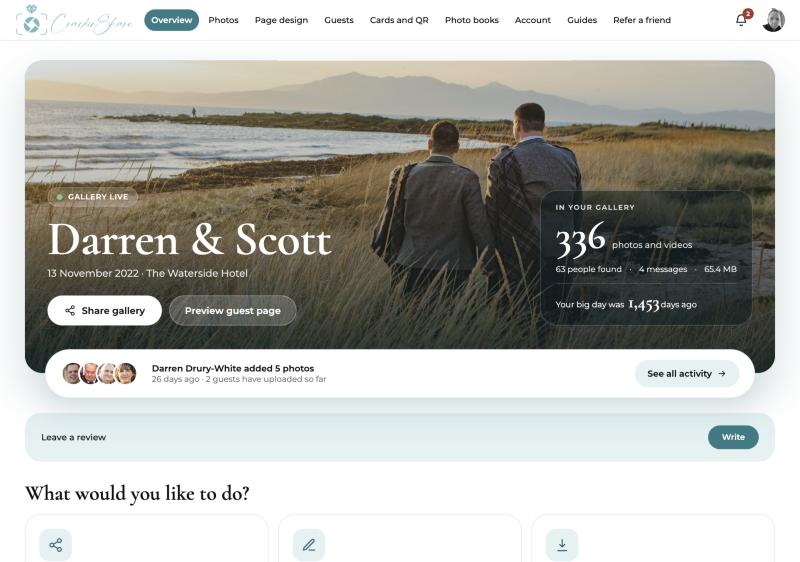
Open Cards and QR and your code is ready. Download it as a PNG to use on invitations, order of service sheets or a sign at the entrance. One code covers every album in your gallery.
Put it on your tables
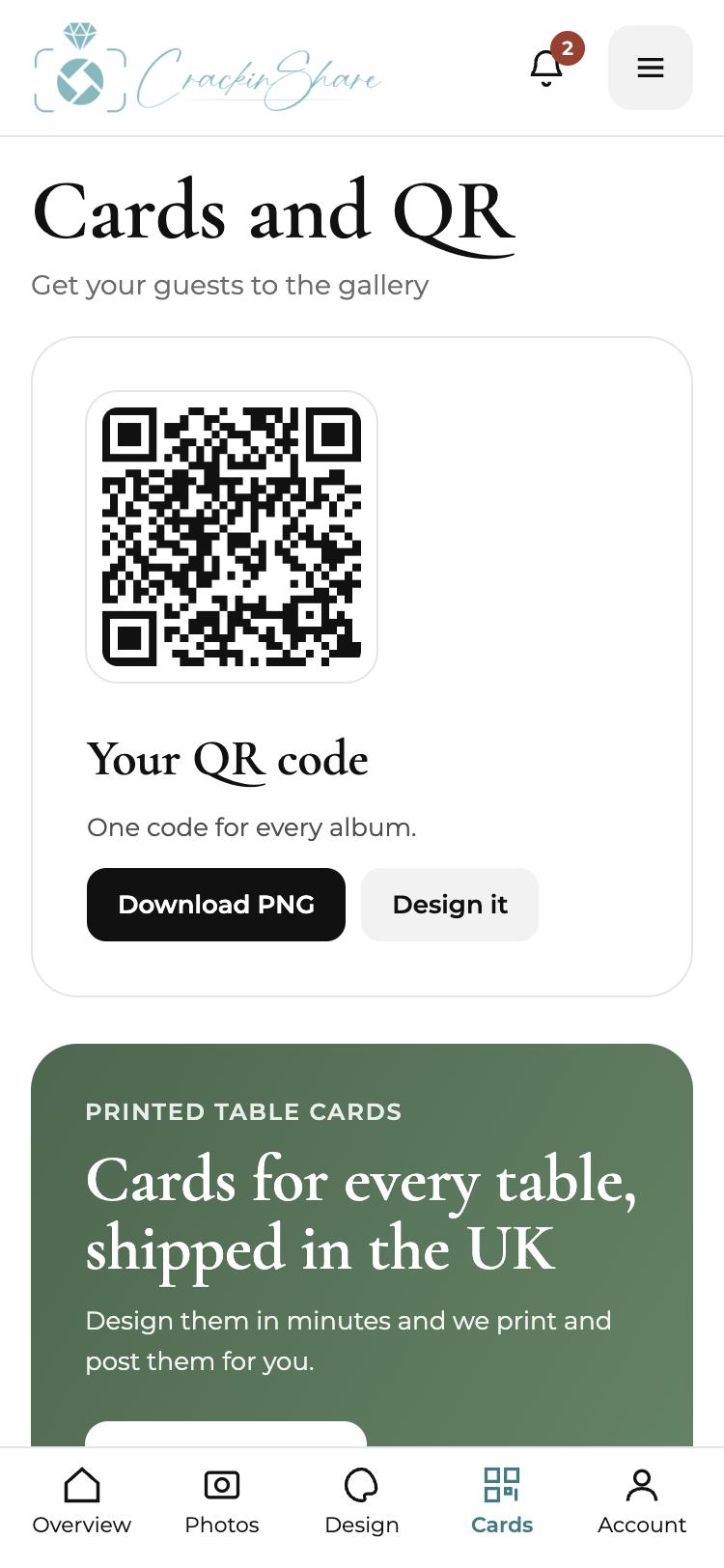
A code guests can see beats a code they have to ask about. Open the Design Studio, pick a template and make the card your own, then order printed cards posted to you.
Guests scan and share
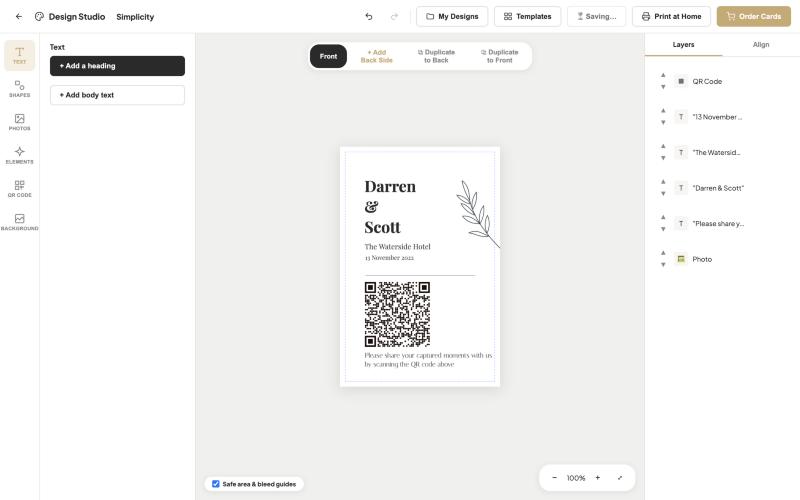
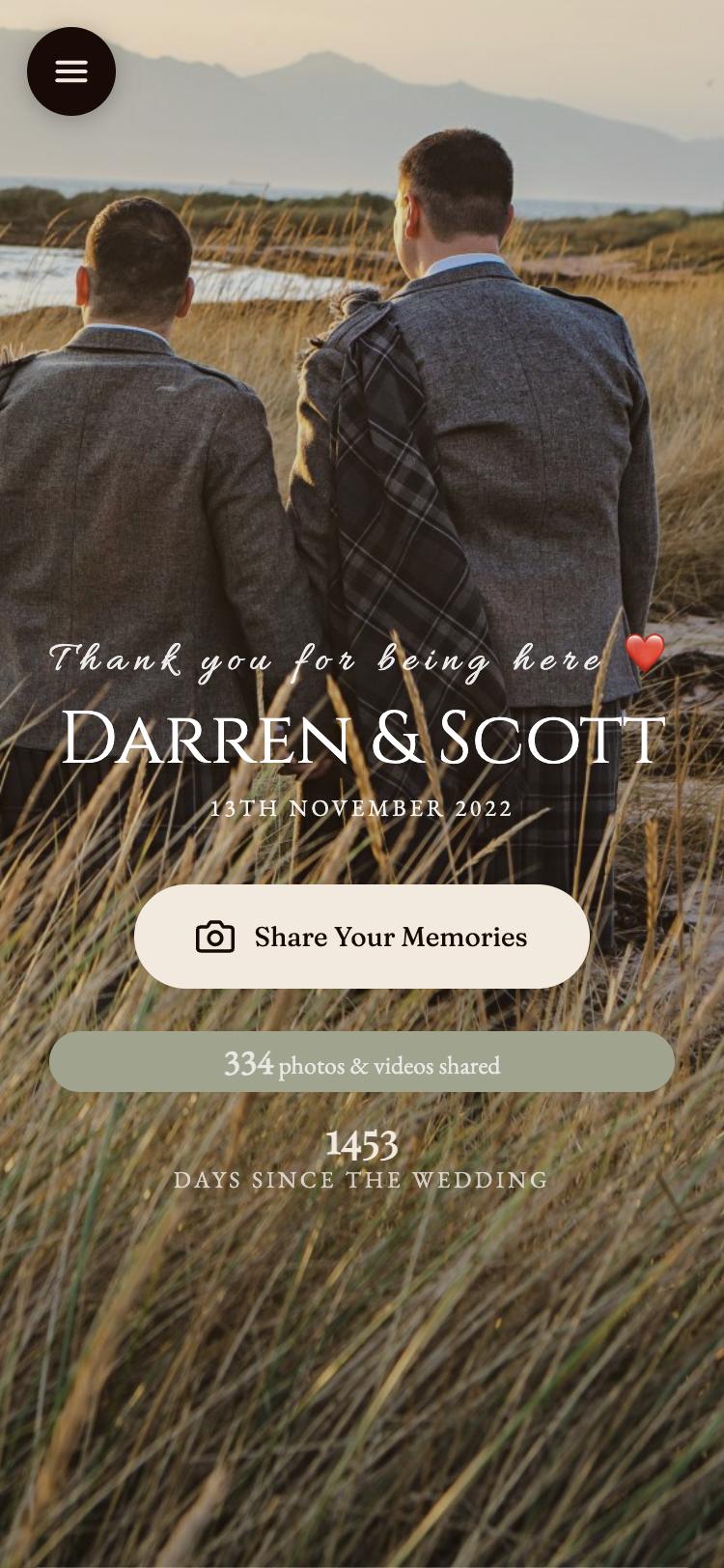
Guests point their phone camera at the code and your gallery page opens in their browser. There is nothing to install and no account to create. They add a name, choose their photos and send them.
Watch the photos arrive
Photos land in your gallery as guests send them, so you can enjoy the day through their eyes while it is still fresh. Sort by guest or album, highlight favourites and hide anything you would rather not keep.
Keep them for good
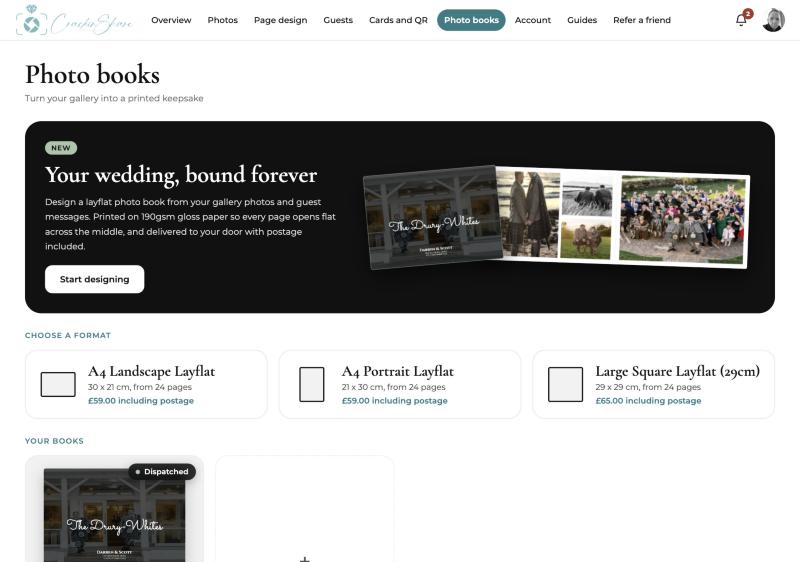
Download everything in one go, or turn your favourites into a printed layflat photo book posted to your door.
Tips that help
- Mention the QR code in your speeches or ask the DJ or host to remind guests after the meal.
- Put one card on every table and one at the bar. Guests scan when they are relaxed, not when they are queuing.
- Add the code to your order of service so guests can share photos during the ceremony and the drinks reception.
Common questions
Do my guests need to download an app?
No. Guests scan the QR code with their phone camera and the gallery opens in their browser.
Is the gallery private?
Yes. Only people with your link or QR code can add photos, and you decide what is kept or hidden.
When should I put the QR code out?
On the tables for the wedding breakfast works well, and on your order of service so guests can share from the ceremony onward.