Start from your QR code
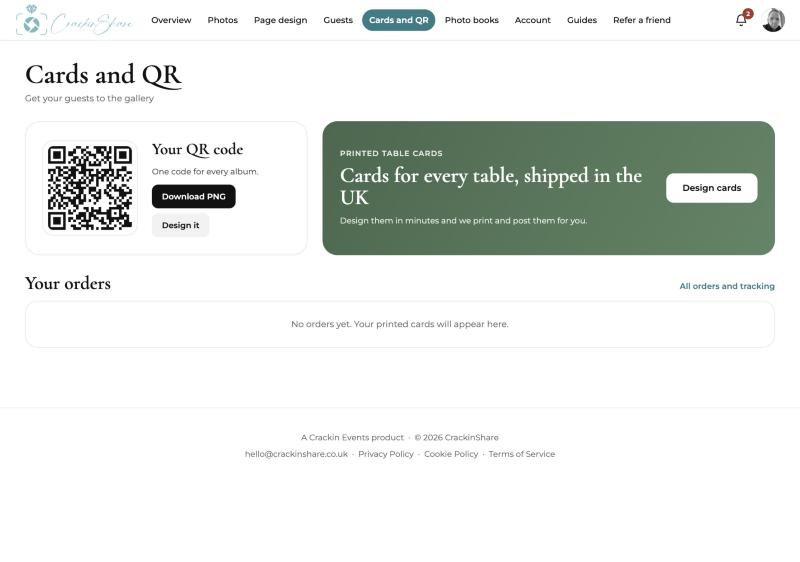
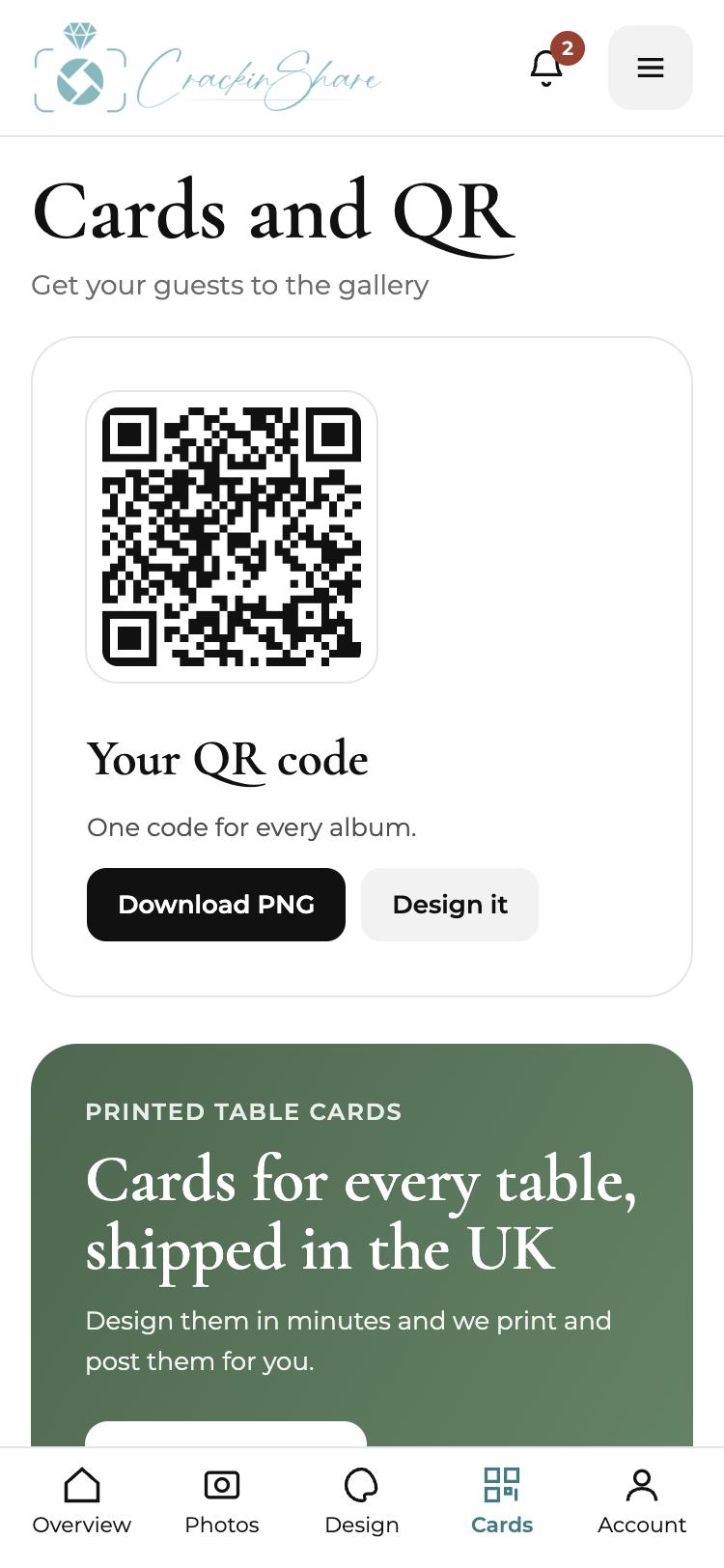
Your gallery QR code is ready as soon as you sign up. You can download it as a plain PNG, or go one step further and design a full card around it.
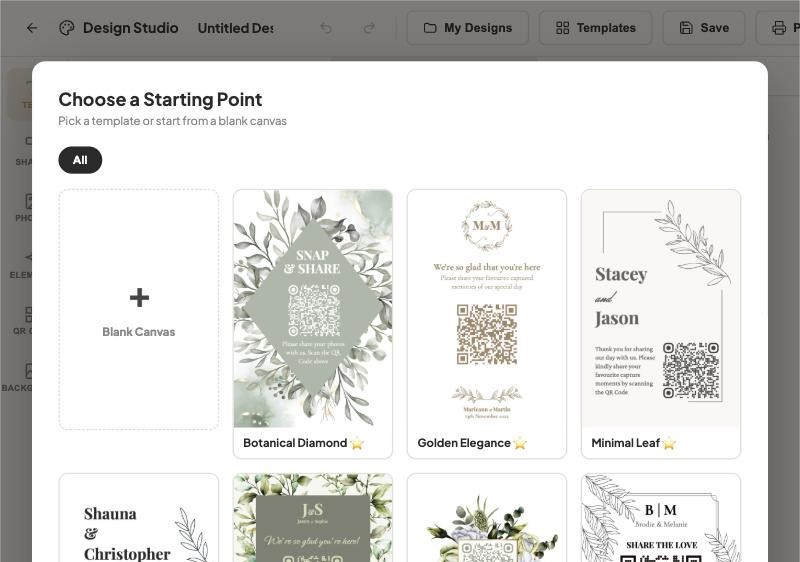
Choose a starting point
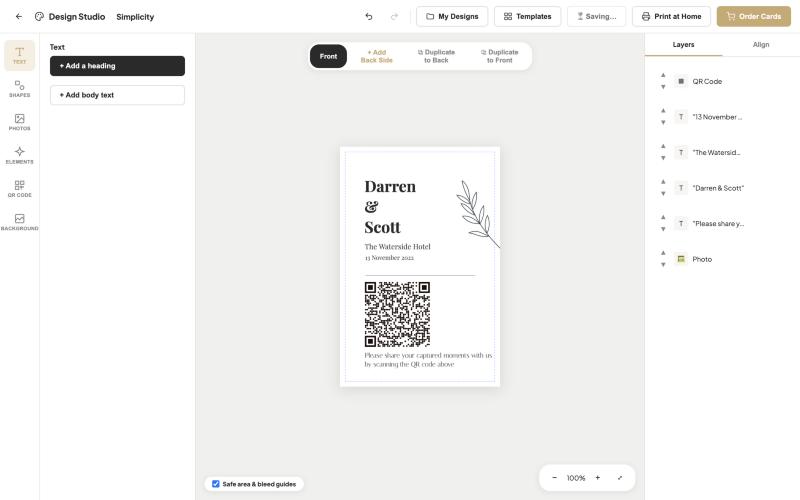
Open the Design Studio from Cards and QR and pick a template, or start from a blank canvas. Your names, date and QR code are already in place.
Make it yours and write the wording
Change the text, colours and layout, add photos, shapes or elements, and keep an eye on the safe area guides so nothing is trimmed. Keep the wording short and friendly. A clear instruction beats a clever one.
Order your cards
Happy with it? Order printed cards and we post them to you in the UK. You can also print at home from the Print at Home option.
Tips that help
- Wording that works: "Scan to share your photos with us", "Your photos make our day complete" or "Share the day with us".
- Use a plain, high contrast background behind the code. Busy patterns make scanning harder.
- Print the card at least 10 cm wide if you can, so the code scans from a seated position.
- Test the printed card with two different phones before the wedding.
Common questions
What size should a wedding QR code card be?
A5 or 4 x 6 inches suits table settings. A4 works for entrance signs and bar areas.
Can I print the cards myself?
Yes. The Design Studio has a Print at Home option, or you can order printed cards posted to you in the UK.
How many cards do I need?
One per table is a good start, plus one at the bar and one at the entrance.