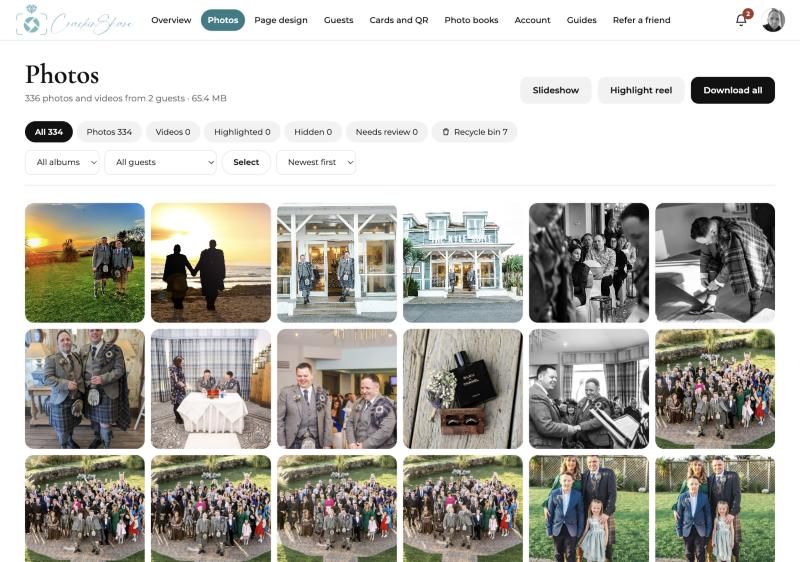
How to collect wedding photos from your guests
A step by step guide to collecting wedding photos from guests with a QR code. No app for guests, one private gallery, and the photos stay yours.
6 min read · Read the guide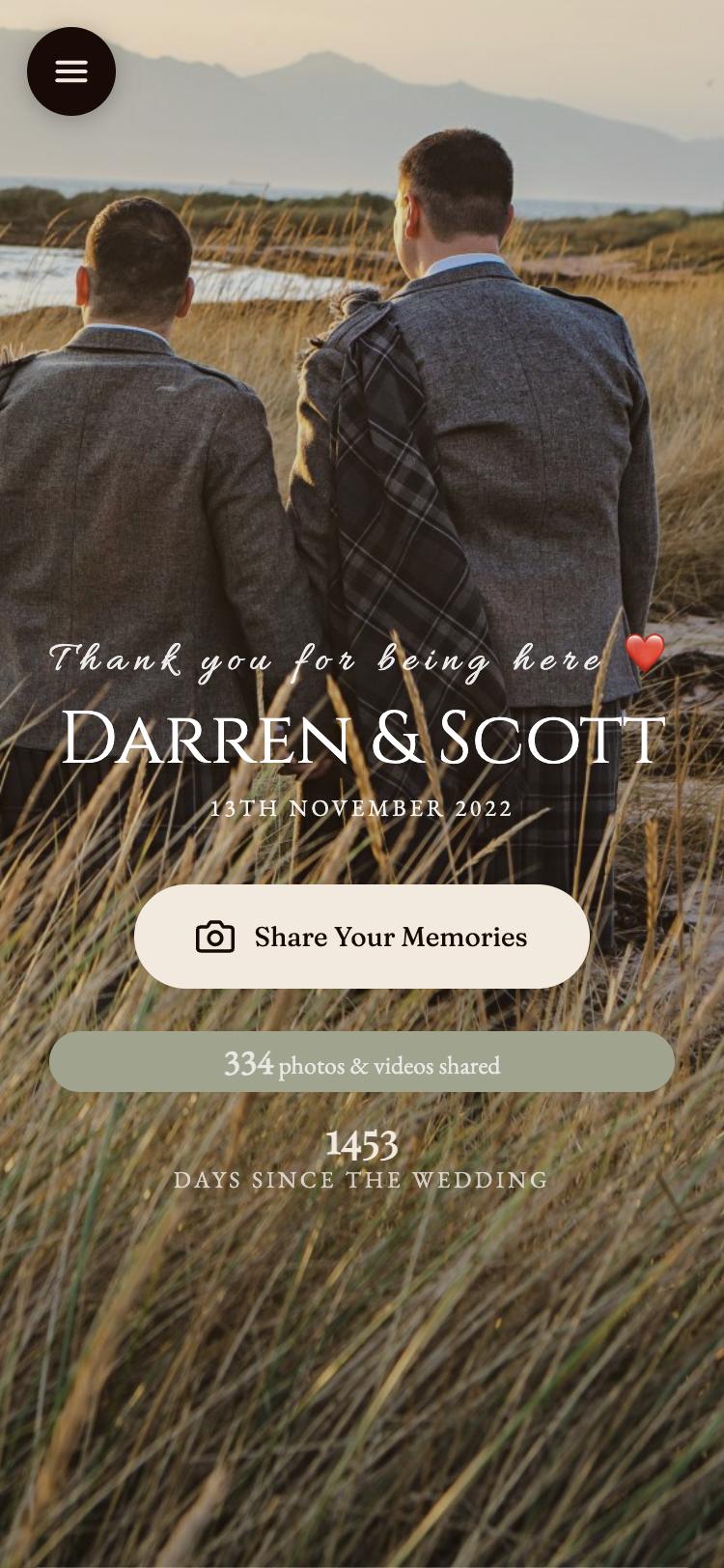
How wedding guests upload photos without an app
See exactly what your wedding guests do when they scan your QR code: open the page, add a name, choose photos and send. No app, no account.
4 min read · Read the guide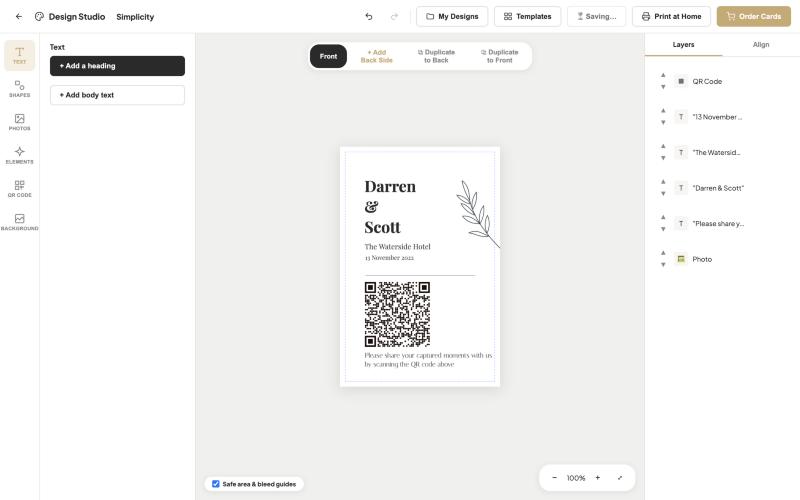
Wedding QR code table cards: wording, design and placement
How to design wedding QR code table cards that guests actually scan. Wording ideas, sizes, colours and the best places to put them on the day.
5 min read · Read the guide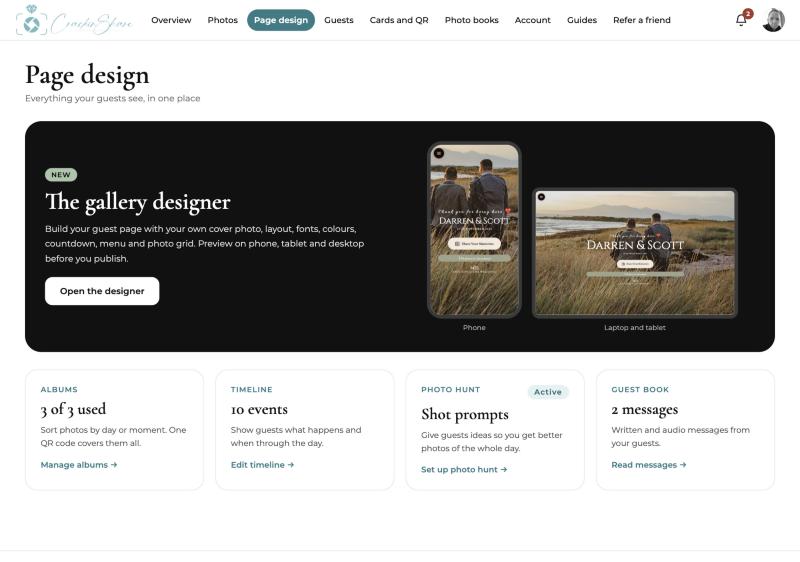
Design your wedding gallery page
Choose your cover photo, fonts, colours and layout for your wedding gallery page, and preview it on phone, tablet and laptop before guests see it.
3 min read · Read the guide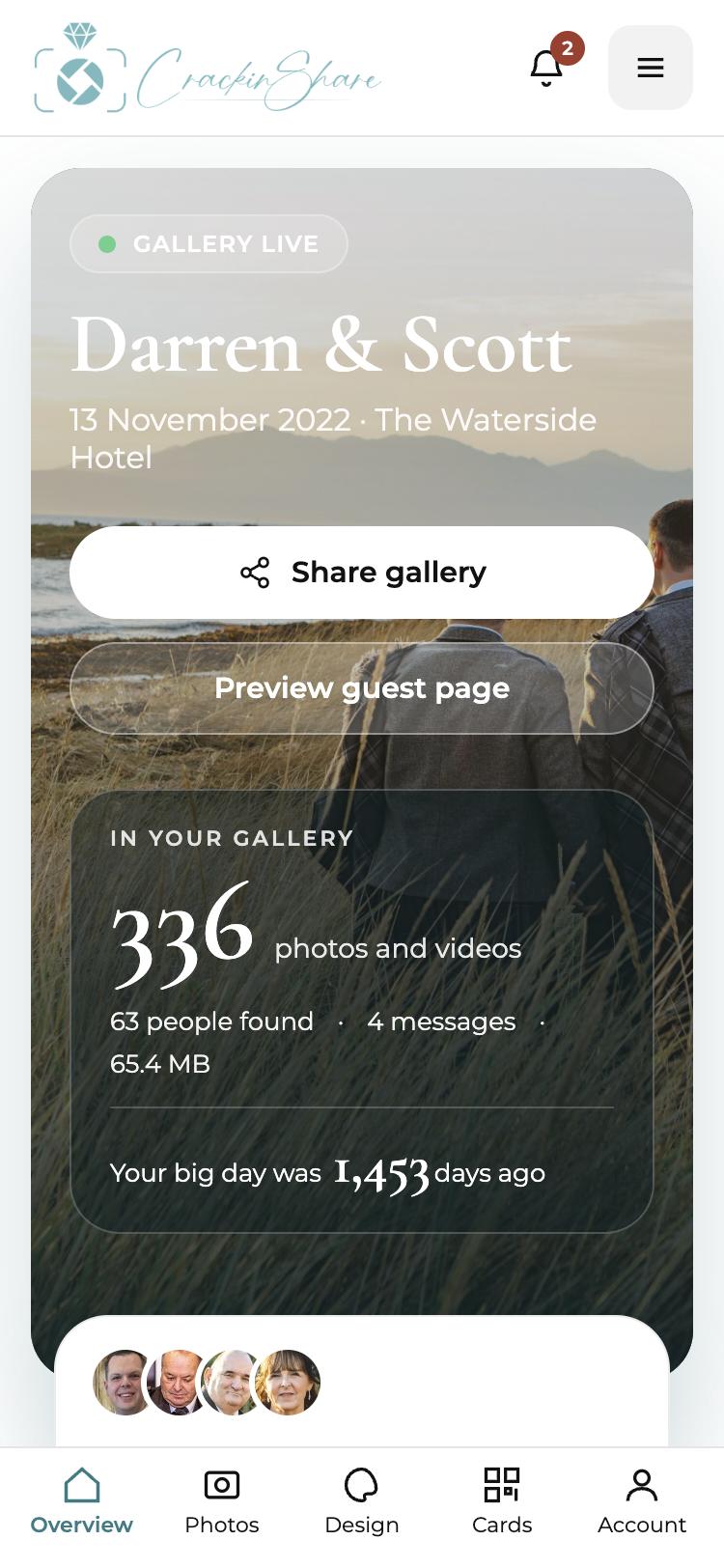
WhatsApp group vs a shared wedding photo gallery
A fair comparison of WhatsApp groups, shared cloud albums and a dedicated wedding photo gallery with a QR code, so you can pick the best way to collect guest photos.
5 min read · Read the guide