WhatsApp groups
Easy to start, but WhatsApp compresses photos, so the quality you receive is lower than the original. Photos get buried in chat, not everyone is in the group, and you cannot download everything neatly in one go.
Shared cloud albums
Better quality, but guests often need an account or an app, and many never join. Links get lost, and older relatives may give up.
A dedicated wedding gallery
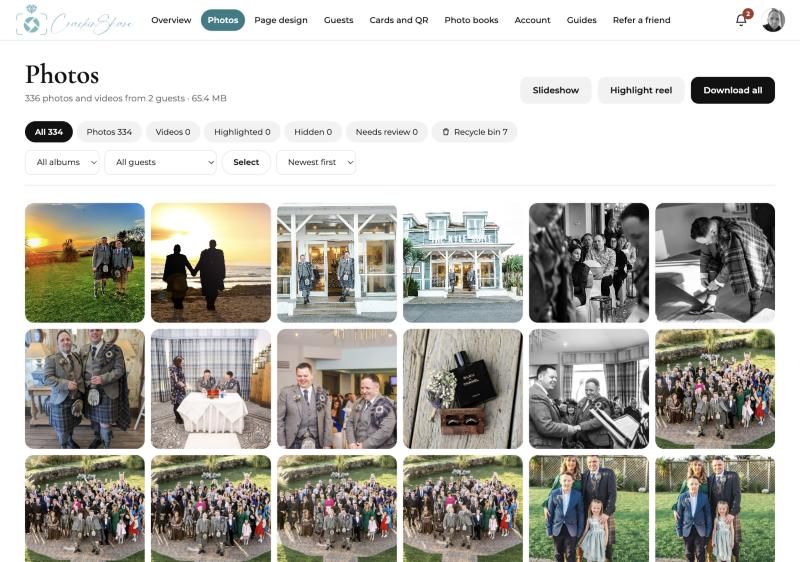
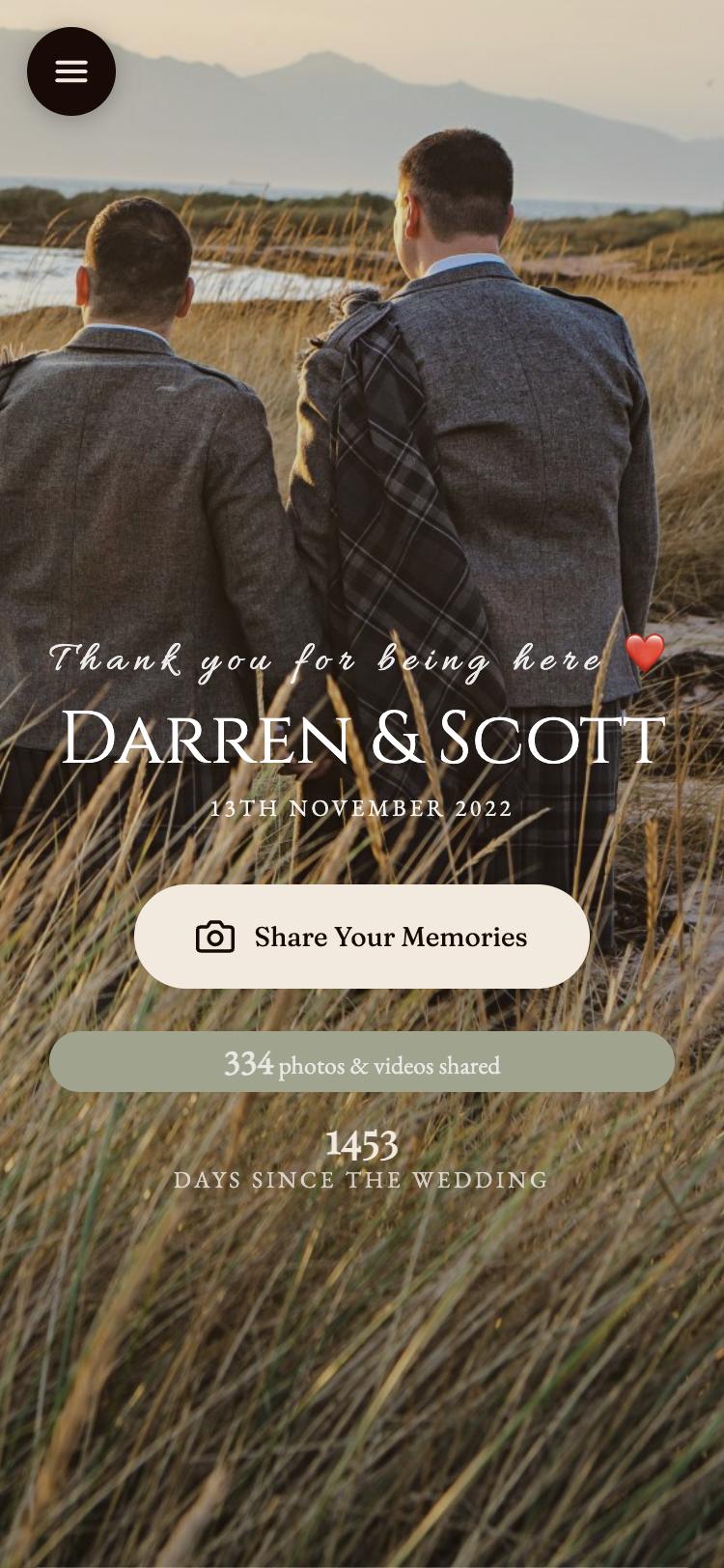
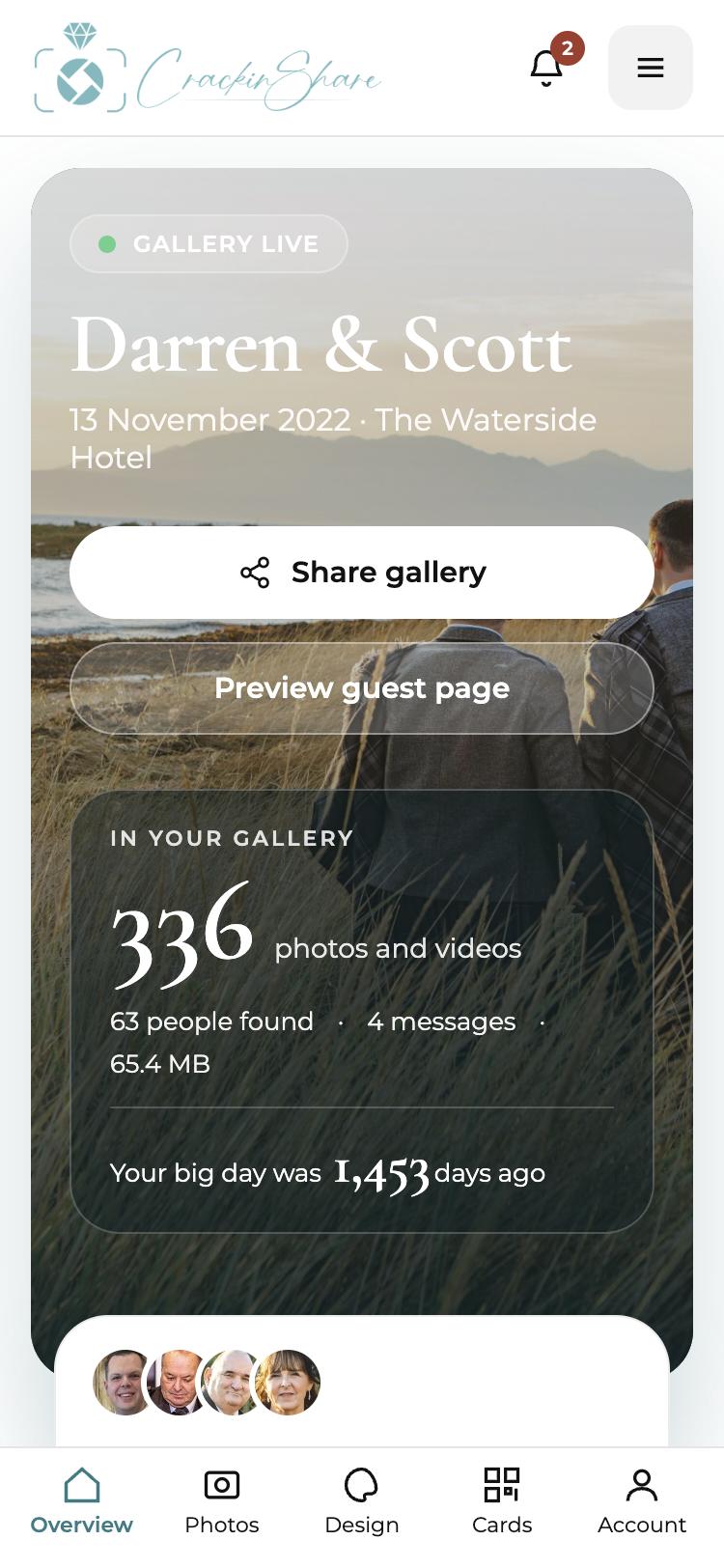
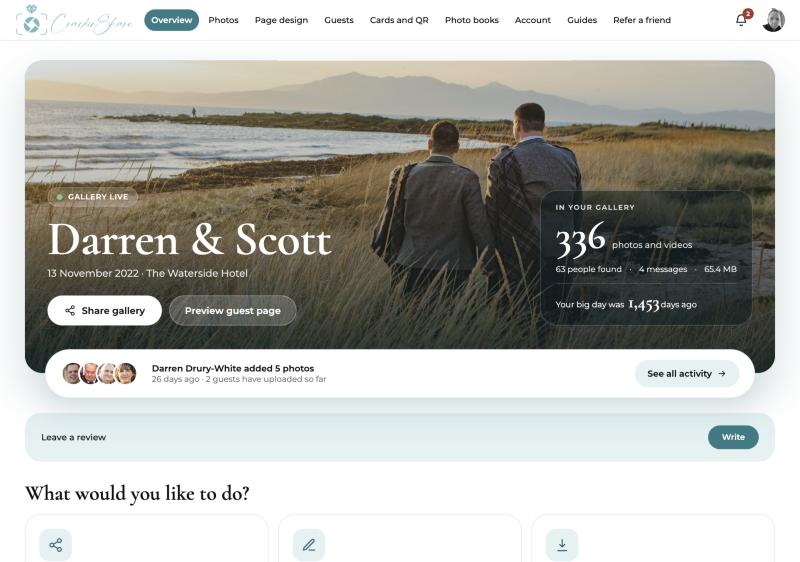
A QR code opens a private page in the browser, so there is no app and no account. Photos arrive in one place, sorted by guest, and you can download or print them afterwards.
Which should you choose?
If you only want a place to chat, WhatsApp is fine. If you want every photo, in good quality, from every guest, a dedicated gallery with a QR code on the tables is the least effort for everyone.
Tips that help
- You can do both: keep the group for chat and use the QR code for photos.
- Ask guests to share after the day as well as during it. Many of the best shots arrive the next morning.
Common questions
Does WhatsApp reduce photo quality?
Yes. WhatsApp compresses images when they are sent, so the copies are smaller than the originals.
Can I still use WhatsApp for the day itself?
Of course. Many couples keep a group for chat and use a gallery to collect the photos.